
Airflow
Blotout uses airflow for scheduling and monitoring workflows. Airflow is deployed within the blotout cloud which allows organization to have complete access to visualize, manage and monitor pipelines.
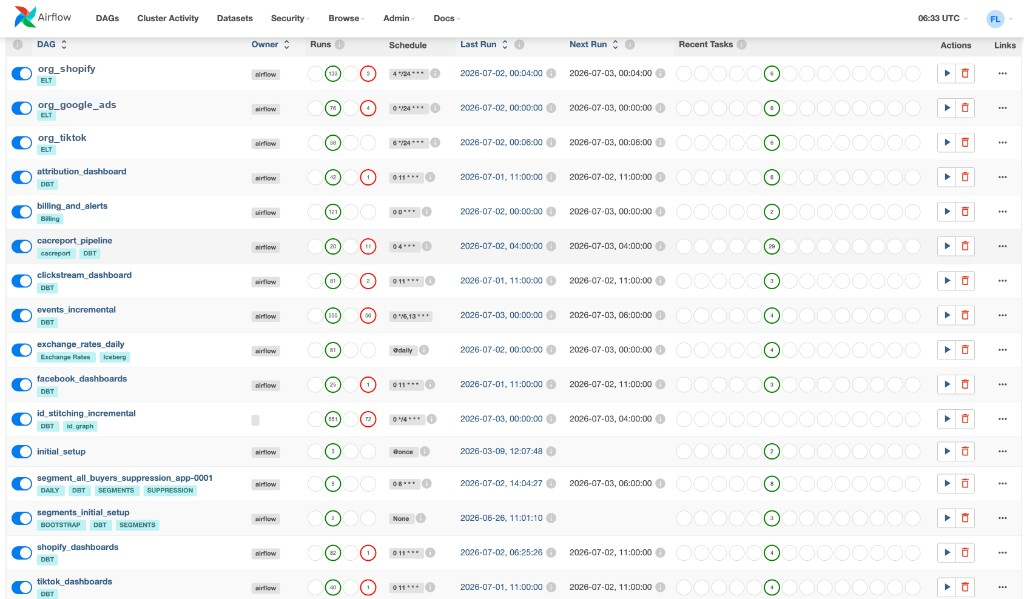
Logging in
Section titled “Logging in”Airflow is available at the /airflow endpoint of Blotout Web application post the deployment step is completed. So if organization name is example and env is prod then the Blotout web application will be hosted at https://example-ui-prod.blotout.io and airflow at https://example-ui-prod.blotout.io/airflow.
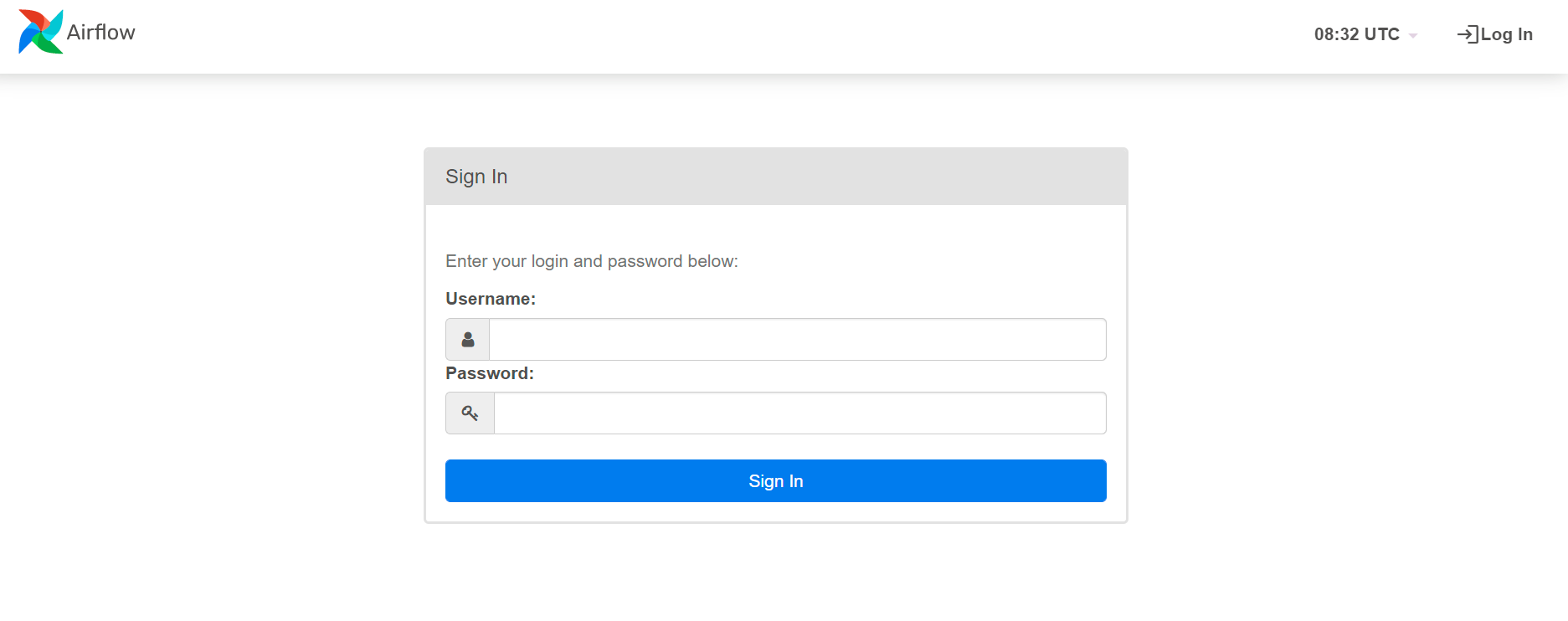
Obtaining credentials for airflow
Section titled “Obtaining credentials for airflow”- Log in to the AWS console
- Go to the
Secrets Managerservice. Make sure you are in the same region as of your deployment choice. - Following secrets will be available for you. Click on
airflow_password.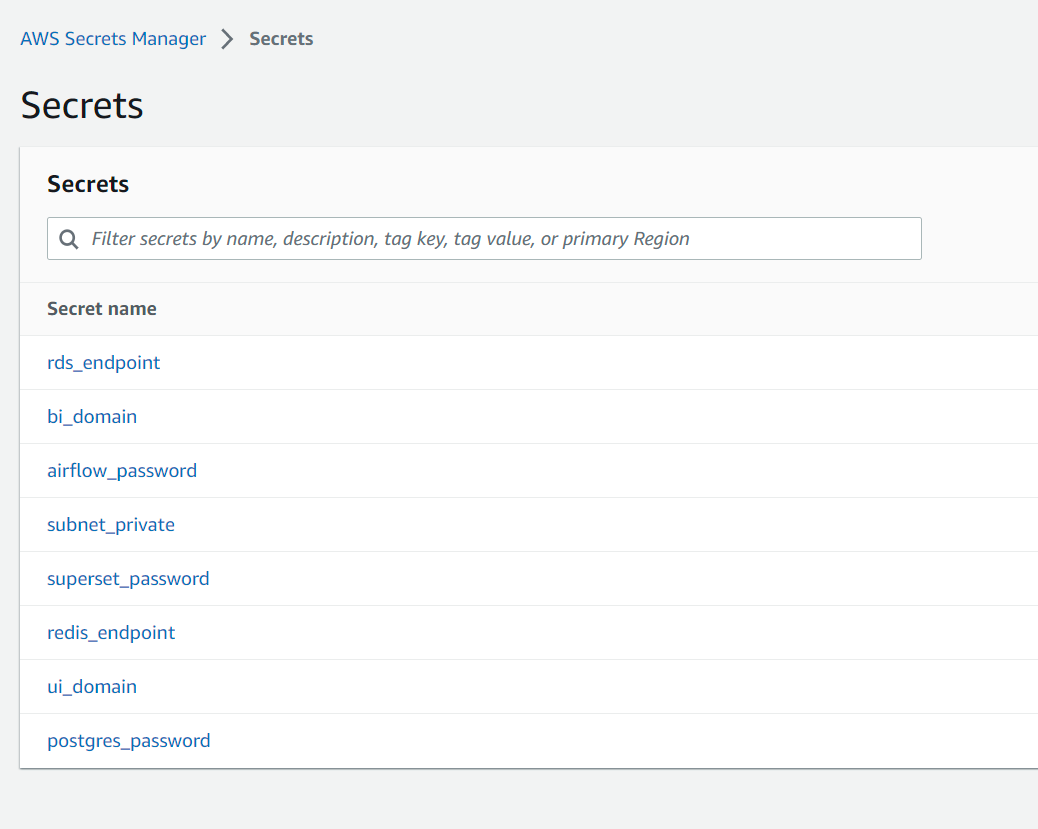
- Click on
Retrieve secret valueto retrieve the password.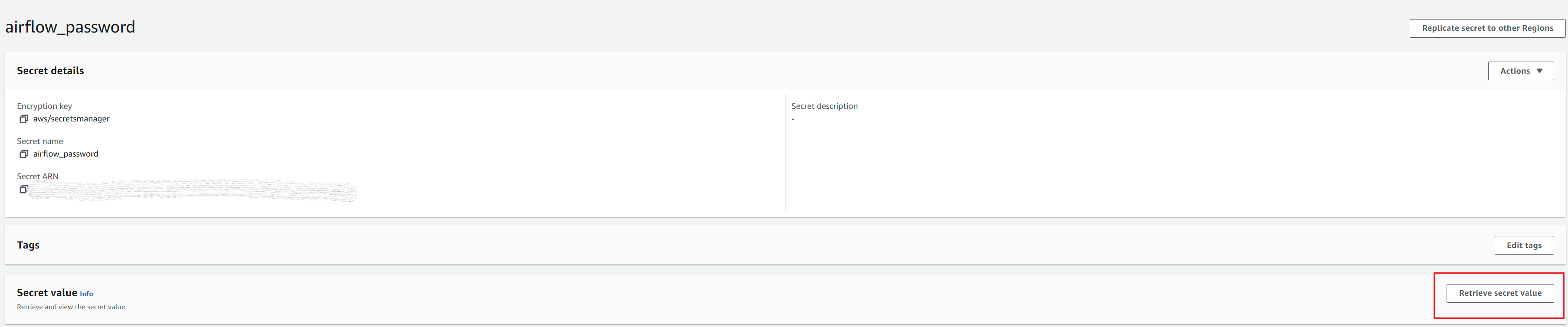
- Log in
airflowwith username asadminand the above password.
Airflow Jobs
Section titled “Airflow Jobs”The table below lists the core DAGs provisioned with every deployment. When you connect a new data source or activation channel, Airflow creates additional organization-scoped pipelines automatically — named {org}_{source} (for example, acme_shopify).
| DAG Name | Category | Description |
|---|---|---|
| {org}_shopify | ELT | Ingests Shopify orders, customers, and catalog data into the lakehouse |
| {org}_google_ads | ELT | Loads Google Ads campaign and performance metrics via Airbyte |
| {org}_tiktok | ELT | Syncs TikTok ad spend and delivery data for reporting models |
| attribution_dashboard | DBT | Job triggers attribution dashboard DBT models for reporting |
| billing_and_alerts | Billing | Monthly job that triggers hardware cost billing and alert notifications |
| cacreport_pipeline | DBT | Job triggers the CAC report DBT pipeline |
| clickstream_dashboard | DBT | Job triggers clickstream dashboard DBT models for reporting |
| events_incremental | DBT | Triggers spark job to process/flatten incremental click stream data |
| exchange_rates_daily | Iceberg | Daily job to sync exchange rates data |
| facebook_dashboards | DBT | Job triggers Facebook marketing dashboard DBT models |
| id_stitching_incremental | ID Graph | ID stitching job — stitches IDs between online and offline data |
| one_time_setup | Analytics | One-time job that runs at initial infra launch for setup |
| segment_all_buyers_suppression_app-0001 | Segments | Dynamic segment sync job for audience suppression |
| segments_initial_setup | Segments | Bootstrap job for initial segment configuration |
| shopify_dashboards | DBT | Job triggers Shopify dashboard DBT models |
| tiktok_dashboards | DBT | Job triggers TikTok dashboard DBT models |
Airflow variables
Section titled “Airflow variables”Below are the variables that are present in airflow. To check the variables click on Admin and then Variables. To know more, check Manage Airflow Variables
| Name | Value (example) | Description |
|---|---|---|
| AIRBYTE_URL | https://ORGNAME-ui-ENV.blotout.io | Airbyte URL |
| AIRFLOW_DAG_FAILED_EMAIL | [email protected] | |
| AIRFLOW_START_DATE | 1977-10-01 00:00:00 | Assumed start time for airflow cron jobs |
| AWS_REGION | us-west-2 | AWS region of deployment |
| COMPUTATION_WINDOW | 90 | |
| EMR_EC2_INSTANCE_TYPE | m4.large | EC2 instance type for EMR |
| EVENTS_INCREMENTAL_SCHEDULE_INTERVAL | 0 * * * * | Cron time for click stream data processing |
| ID_STITCHING_INCREMENTAL_SCHEDULE_INTERVAL | 0 */4 * * * | Cron time for ID Stitching Job |
| PRIVATE_SUBNET | subnet-048ee3a00944bc2e0 | Subnet ID in which infrastructure is running |
| SCHEDULE_INTERVAL_DELETE_IDLE_CONNECTIONS | 0 */3 * * * | Cron time for job to delete idle db connections |
| TAG_DBT_ANALYTICS | 0.20.0 | DBT Module Docker tag |
| TAG_DBT_CODE_GENERATOR | 0.20.0 | DBT Module Docker tag |
| TAG_DBT_REVERSE_EL | 0.20.0 | Reverse EL (Activation) Docker tag |
ELT Pipeline
Section titled “ELT Pipeline”As the user adds new ELT pipeline, Airflow automatically picks that up and create the respective Airflow ELT pipeline for the same.
Activation Pipeline
Section titled “Activation Pipeline”As the user adds new Activation channel like Klaviyo, Facebook Audience etc. for Audience sync, Airflow automatically picks that up and create the respective Airflow ELT pipeline for the same.