User Onboarding
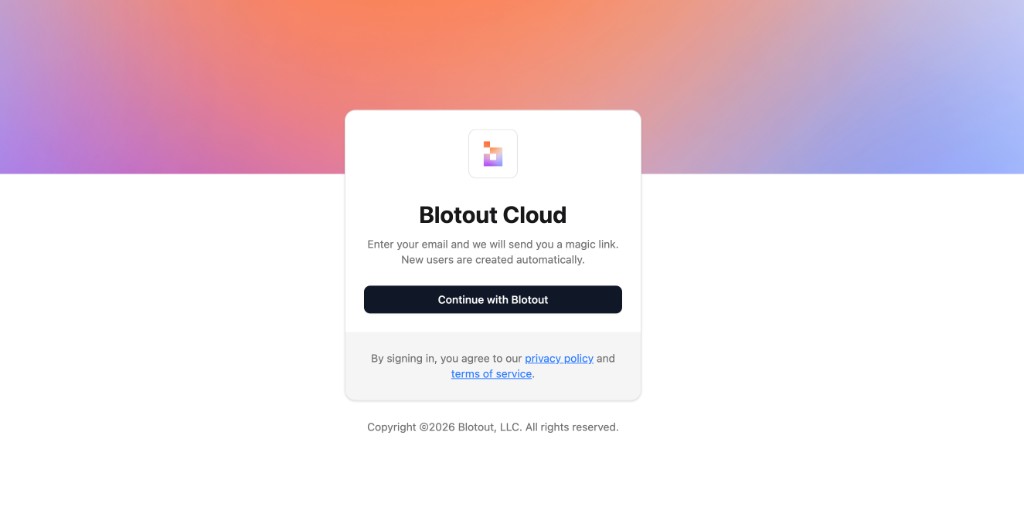
Sign in to Blotout Cloud
Section titled “Sign in to Blotout Cloud”Go to Blotout Cloud and click Continue with Blotout to start the sign-in flow. Use the email address that was configured during deployment. New users are created automatically.
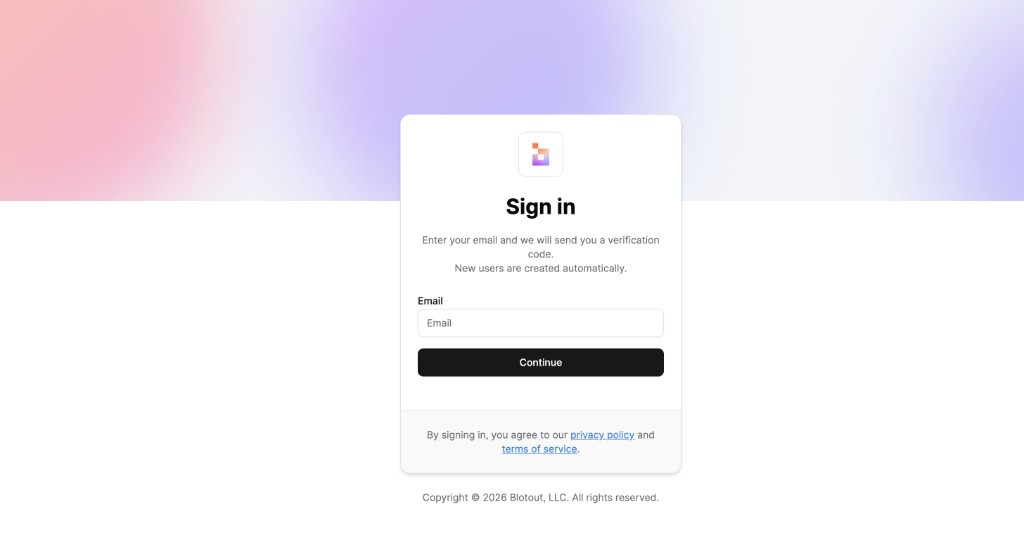
Verify your email
Section titled “Verify your email”On the sign-in screen, enter your email address and click Continue. A verification code is sent to your inbox — enter it to authenticate.
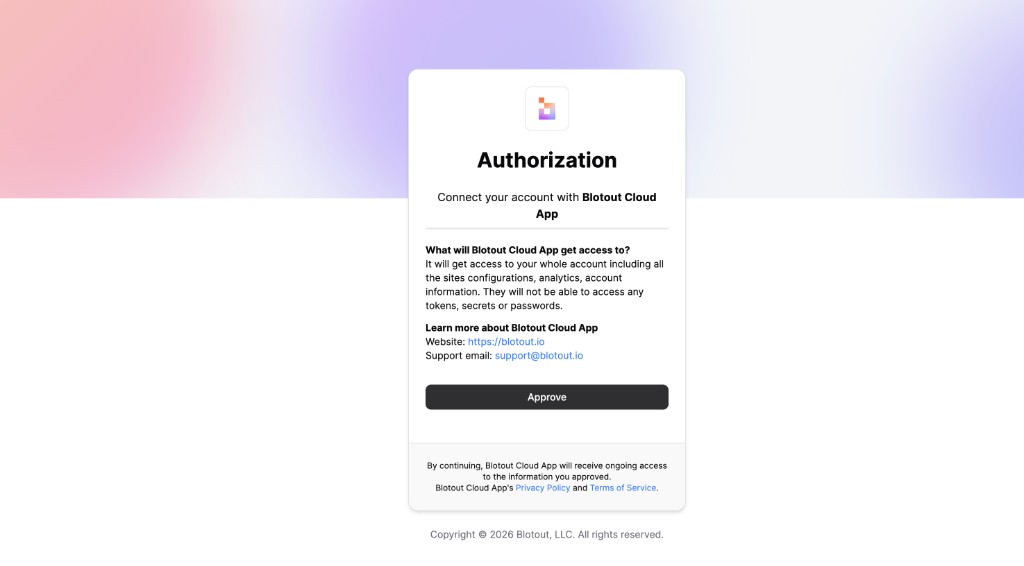
Authorize Blotout Cloud
Section titled “Authorize Blotout Cloud”After signing in, review the permissions requested by Blotout Cloud App and click Approve to grant access to your account.
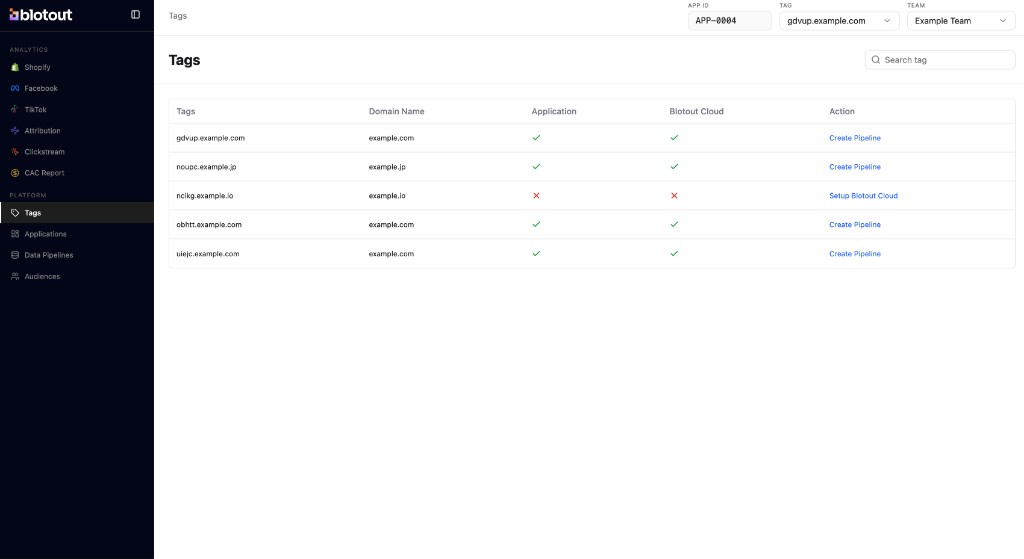
Set up your tag
Section titled “Set up your tag”Once signed in, open the Tags tab from the left sidebar under Platform. Find your tag in the list — if Blotout Cloud is not yet configured, click Setup Blotout Cloud in the Action column to complete onboarding for that tag.